

Grow your business. Not your paperwork.

Sales, stock, purchasing, staff and accounts in one simple system. You always know where you stand, and your team always knows what to do next.

  • No credit card required
  • Free plan that never expires
  • Your data in its own private database
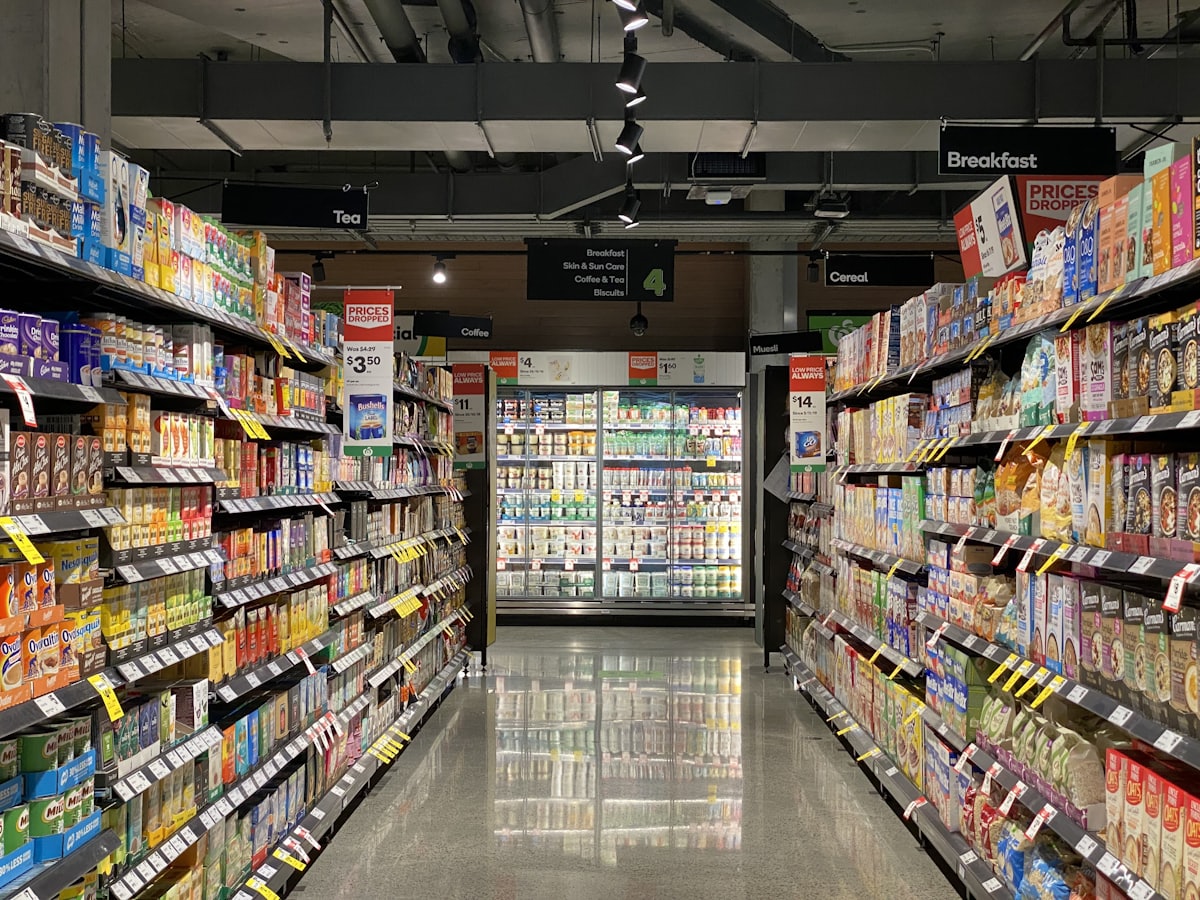
A shop team at work on the retail floor

Works with the payment, delivery and marketing services you already use

  • OnePay
  • PayHere
  • Koko
  • MintPay
  • Fardar Express
  • Google Analytics
  • Meta
  • TikTok
  • Shopify
  • WooCommerce
  • QuickBooks
  • Odoo

Disconnected tools are quietly costing you

A stock sheet here, a billing app there, and an accountant waiting on all of it. The real price is not the software. It is the time, the missed sales and the guesswork.

  • Hours lost to re-typing

    Sales, purchases and payroll get entered twice, once where they happen and again in the accounts. Then someone spends the evening making the totals agree.

  • Sales lost to wrong stock

    One branch sells the last unit while another system still promises it. You find out when a customer is already waiting.

  • Decisions made in the dark

    Branch results, stock and cash sit in different places. By the time the numbers are together, the moment to act has passed.

One system. One set of numbers. Evenings back.

See a day on Tryso
  • Enter everything once. It updates stock, sales and the books together.
  • Every branch, warehouse and till reads the same live stock.
  • One dashboard shows how the whole organization is doing, today.

You do the work once. Tryso does the rest.

Every action flows through to stock, sales and accounts on its own. Scroll through a normal day.

A sale is made, at the counter or online

Ring it up on the till, even if the internet drops, or take the order on your website. You do it once.

What happens automatically

  1. Stock drops at that branch straight away

  2. Invoice and receipt are ready to send

  3. Revenue posts to the ledger

Done, with nothing to re-type

A complete ERP, sized for a small business

Sales, purchasing, inventory, accounting, people and production on one database per organization. Every part updates the rest, so nothing is typed twice and nothing needs reconciling.

Tap an area to explore

TrysoOne database
per organization

01 / 06 · Sell

Sales, counter and online

Quotations, invoices and returns, a till that works offline and a website with online ordering.

Updates on its ownStockMoney

A sale drops stock at that branch and posts revenue to the ledger.

An ERP without the ERP project

The depth of a full ERP, without the rollout that usually comes with one. Small teams get going on their own.

  • Getting startedA months-long implementation projectCreate an organization in about a minute
  • CostLicences, setup fees and consultantsA free plan that never expires, no setup fee
  • ScopeEvery module switched on from day oneStart with what hurts, switch on apps as you grow
  • Your dataOften stored alongside other customersA private database for every organization
  • HelpA consultant for every changeStep-by-step guides for every app

Four steps from spreadsheets to a running ERP

No implementation project and no setup fee. Move one part of the business across at a time, at your own pace.

  1. 1
    About a minute

    Create your organization

    Pick a name and claim your address. Your private database, chart of accounts and roles are set up for you.

  2. 2
    A few clicks

    Switch on what you need

    Start with selling, stock or the books. Install more apps from Settings → Apps, one click each.

  3. 3
    Same afternoon

    Bring your data across

    Import products and customers from Shopify, WooCommerce or an API, or add them by hand.

  4. 4
    Go live

    Invite the team and go live

    Give each person a role for the branch they work in, pair a till and start trading.

Which one sounds like you?

Pick the kind of organization you run and see how Tryso fits it.

01 / 05
  • 01

    “I run more than one shop and never quite know what is where.”

    Retail & multi-branch

    • Live stock for every branch, till and your website
    • Tills that keep billing through an internet outage
    • Branch-by-branch sales and profit, side by side
    Apps usedTradingInventoryWebsite

  • 02

    “Orders, credit customers and deliveries are all in different places.”

    Wholesale & distribution

  • 03

    “I make what I sell, and material costs are a guess.”

    Manufacturing

  • 04

    “Jobs, warranties and spare parts slip through the cracks.”

    Service & repair

  • 05

    “I never know if a project actually made money.”

    Projects & professional services

Start small. Never outgrow it.

Begin with what you need today. When the business grows, switch on another app. It reads the same products, people and ledger, so there is never a migration.

1. Start

Run the day-to-day

Selling, buying, stock and accounts from day one, on the free plan.

Your Tryso

10 of 34 apps

  • Organization
  • Website

  • Website

  • Commerce
  • Trading
  • Sales
  • Procurement
  • Catalog
  • Inventory
  • Warehouse
  • Accounting
  • HR
  • Payroll
  • HRM
  • Manufacturing
  • Quality
  • Maintenance
  • CRM
  • Projects
  • Service
  • Assets
  • POS
  • Restaurant
  • Shipping
  • Marketing
  • Credit Control
  • Quote Builder
  • Sales Agreements
  • Promotions & Loyalty
  • Customer Rebates
  • Customer Portal
  • Subscriptions
  • Sales Teams & Commissions
  • Reporting

Switch apps on from Settings → Apps, one click each.

2. Organize

Add branches and people

More locations, warehouses and staff, with roles and approvals that keep control with you.

Your Tryso

16 of 34 apps

  • Organization
  • Website

  • Website

  • Commerce
  • Trading
  • Sales
  • Procurement
  • Catalog
  • Inventory
  • Warehouse
  • Accounting
  • HR
  • Payroll
  • HRM
  • Manufacturing
  • Quality
  • Maintenance
  • CRM
  • Projects
  • Service
  • Assets
  • POS
  • Restaurant
  • Shipping
  • Marketing
  • Credit Control
  • Quote Builder
  • Sales Agreements
  • Promotions & Loyalty
  • Customer Rebates
  • Customer Portal
  • Subscriptions
  • Sales Teams & Commissions
  • Reporting

Switch apps on from Settings → Apps, one click each.

3. Expand

Switch on what comes next

HR, manufacturing, projects, service or assets, installed in a click and sharing the same data.

Your Tryso

34 of 34 apps

  • Organization
  • Website
  • Website

  • Commerce

  • Trading
  • Sales
  • Procurement
  • Catalog
  • Inventory
  • Warehouse
  • Accounting
  • HR
  • Payroll
  • HRM
  • Manufacturing
  • Quality
  • Maintenance
  • CRM
  • Projects
  • Service
  • Assets
  • POS
  • Restaurant
  • Shipping
  • Marketing
  • Credit Control
  • Quote Builder
  • Sales Agreements
  • Promotions & Loyalty
  • Customer Rebates
  • Customer Portal
  • Subscriptions
  • Sales Teams & Commissions
  • Reporting

Switch apps on from Settings → Apps, one click each.

Read the app guides

Which add-on apps you can install depends on your plan.

Your business is in safe hands

Switching systems feels risky. Here are straight answers to the questions owners usually ask first.

  1. Is my data safe?

    A private database of your own

    Every organization gets its own database. Your products, customers and ledger never share a table with anyone else.

  2. Who can see what?

    You decide who sees what

    Roles scoped to the branch each person works in, plus approvals for purchases and expense claims.

  3. What if something goes wrong?

    Every change has a name on it

    The activity log records who changed what and when, so a wrong price always has an answer.

  4. What if the internet drops?

    Keep selling offline

    The desktop POS saves sales, returns and cash counts on the till and syncs them when you are back online.

  5. What if a payment fails?

    A grace period, not a lockout

    Your organization keeps running while you sort the card out. Your data stays exactly where it is.

  6. Am I locked in?

    Free to start, free to leave

    The free plan never expires and needs no card. Change or cancel a paid plan at any time.

Connected to the services you already use

Connect payment gateways, couriers and ad pixels from Settings with your own keys. Nothing to host, no plugins to maintain.

Payments

Card, instalment and offline payments on your website orders.

  • OnePay
  • PayHere
  • Koko
  • MintPay
  • Cash on delivery
  • Manual payment

Delivery

Waybills, pickups and tracking pushed back onto the order.

  • Fardar Express
  • Your own couriers
  • Branch pickup

Marketing & analytics

Pixels and tags wired to website events, no code pasted.

  • Google Analytics 4
  • Tag Manager
  • Google Ads
  • Meta
  • TikTok
  • Pinterest
  • Microsoft Clarity
  • Hotjar

Connectors & migration

Bring your data across, or keep another system in sync.

  • Shopify
  • WooCommerce
  • QuickBooks
  • Odoo
  • Custom API import

Start free. Pay only as you grow.

Every plan includes the core apps. Plans differ on users, branches and volume, how many tills you can pair and which add-on apps you can install.

Save up to 17% paying yearly

Free

Try Tryso, or a tiny online seller.

Free

Forever. No card required

Start free
  • 1 users
  • 1 branches
  • 50 products
  • 1 warehouses
  • 20 monthly orders
  • Custom domains
  • 0 payment gateways
  • Courier integration

Starter

A single shop or online store.

$29/month

Billed monthly

Choose Starter
  • 3 users
  • 1 branches
  • 100 products
  • 1 warehouses
  • 100 monthly orders
  • Custom domains
  • 1 payment gateways
  • Courier integration

Growth

Most popular

A growing, multi-branch business.

$59/month

Billed monthly

Choose Growth
  • 5 users
  • 2 branches
  • 500 products
  • 2 warehouses
  • 200 monthly orders
  • Custom domains
  • 3 payment gateways
  • Courier integration

Business

Manufacturers and multi-company groups.

$119/month

Billed monthly

Choose Business
  • 8 users
  • 3 branches
  • Unlimited products
  • 3 warehouses
  • Unlimited monthly orders
  • Custom domains
  • 5 payment gateways
  • Courier integration

Enterprise

Large groups with custom needs.

$249/month

Billed monthly

Choose Enterprise
  • 20 users
  • 10 branches
  • Unlimited products
  • 5 warehouses
  • Unlimited monthly orders
  • Custom domains
  • Unlimited payment gateways
  • Courier integration

Custom

Talk to us

Your own limits, price and contract, set up with our team.

From$249/month

Quoted for your business

Talk to sales
  • Users, branches and storage sized to you
  • Every app, including intercompany
  • Dedicated manager and 99.9% uptime SLA
  • Contract, invoicing and payment terms
No card needed for the free planChange or cancel any timeDowngrades apply at the end of the paid period

Everything you want to know before you start

Still unsure? The guides walk through every app, one step at a time.

Is the free plan actually free?

Yes. Forever Free has no time limit and asks for no card. It covers 3 users, 1 branch, 50 products and 100 orders a month. Move up only when the business outgrows it.

Is Tryso only for shops?

No. Tryso runs retailers, wholesalers, manufacturers, service companies and project-based teams. The website and POS are there if you sell to the public; HR, manufacturing, projects, service and asset apps cover the rest of the organization.

Is my data mixed in with other businesses?

No. Every organization is provisioned with its own database, so your products, customers and ledger live apart from everyone else on the platform.

What if I get stuck setting up?

Every app has a step-by-step guide in the docs, and you can set Tryso up one part at a time. Start with what hurts most and bring the rest across when you are ready.

Does the POS work without internet?

Yes. The Tryso desktop POS for Windows keeps billing, returns and cash counts on the till while offline, then syncs them to your stock and accounts when the connection returns. How many tills you can pair depends on your plan.

Can I bring my existing data across?

Yes. The migration tool imports your products and customers from Shopify, WooCommerce or a custom API, so you do not start from empty.

What are Apps?

Website, Trading, Catalog, Inventory, Accounting and Organization come with every workspace. HRM, Manufacturing, Quality, Maintenance, Projects, Service and Assets are apps you install from Settings when you need them, and they share the same data.

Does it handle more than one branch?

Yes. Stock is tracked per branch and per warehouse, down to zone, rack and bin, with transfers between them and roles scoped to the branch each person works in.

Can I use my own domain?

Paid plans map a custom domain to your website, with certificates handled for you. The free plan runs on a Tryso subdomain.

What does Tryso do with my Google account?

Sign in with Google shares only your name, email address and profile photo, which we use to create your account and sign you in. If you connect Google Ads, we manage the campaigns you choose inside Tryso. We never sell Google data, use it for ads or train AI on it. See the privacy policy for details.

What happens if a payment fails?

Your organization enters a grace period rather than shutting off. We retry the card, and your data stays intact while you sort it out.

Give your business the calm it deserves

Create your organization, invite your team and switch on the apps you need. Nothing to host, and nothing to pay until you outgrow the free plan.

  • Free plan, forever
  • No card required
  • Set up in about a minute