
Restaurant · Manufacturing
Manufacturing software for restaurants
Tryso manufacturing software manages materials, bills of materials, work centers and production orders, with quality inspections and equipment maintenance as companion apps. For restaurants: dining areas and tables show which checks are open, and items are added as the meal goes on.
- Free plan, forever
- No card required
- Set up in about a minute
Last updated

8 apps, one system
Switch on only what you use

 +3
+3Before and after
What slows restaurants down, and how Tryso fixes it
Restaurants and cafés running tables, open checks, takeaway and a kitchen.
The problem
Tables and open checks
Orders build up over a meal and need to be added to, moved or split.
With Tryso
Dining areas and tables show which checks are open, and items are added as the meal goes on.
The problem
Kitchen communication
Handwritten tickets get lost between the floor and the kitchen.
With Tryso
Kitchen tickets are sent as items are added to a check.
The problem
Ingredient costs
Nobody knows what is in the store room until it runs out.
With Tryso
Ingredients are bought and tracked in Inventory, with purchasing from suppliers.
How it works
How restaurants run on Tryso
From the first delivery to the end of the day, each step happens in the app built for it, on one shared database.
- 1
Seat
Dining areas and tables show what is open.
Restaurant - 2
Order
Open checks send kitchen tickets as items are added.
Restaurant - 3
Pay
Payment is taken on the point of sale.
Point of sale - 4
Restock
Ingredients are bought and tracked in inventory.
Inventory
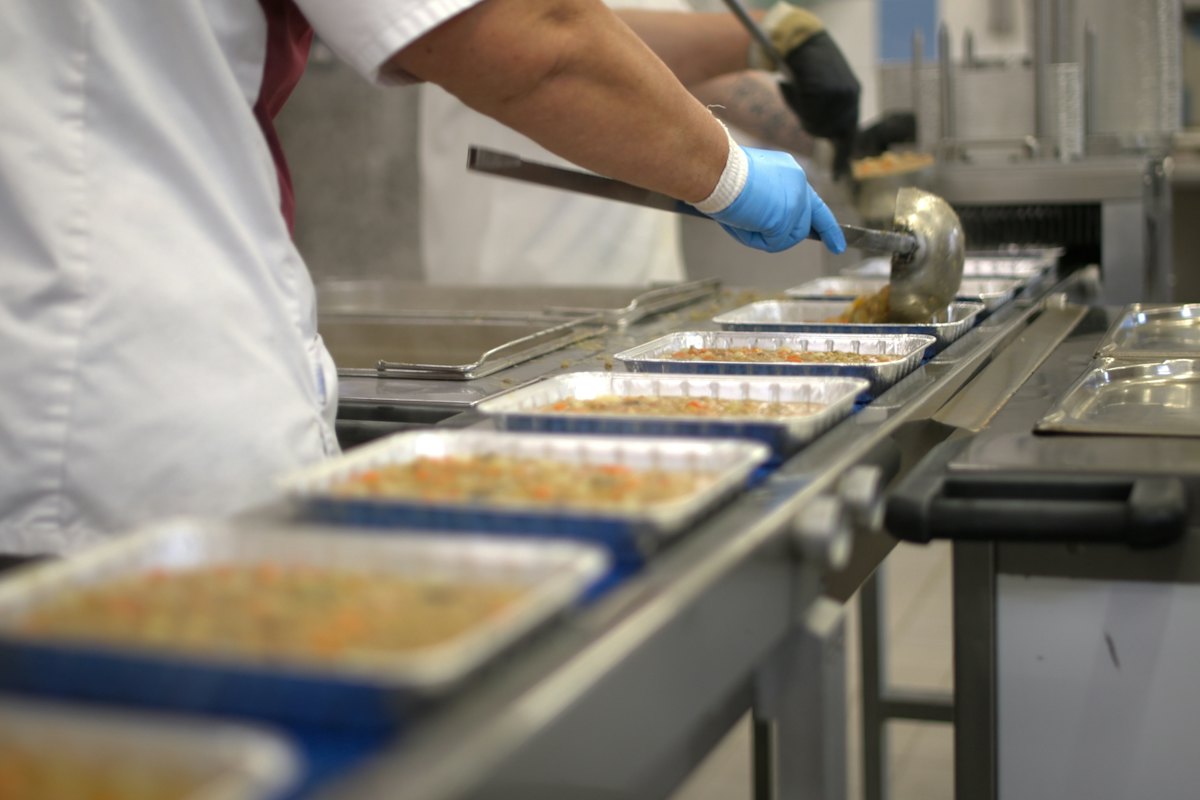
Recipes and bills of materials in one place
List the materials and quantities each product needs, and use them on every production order. The recipe stops living in a notebook in the production room.
- Materials and bills of materials
- Production orders from the BOM
- Finished goods received into stock
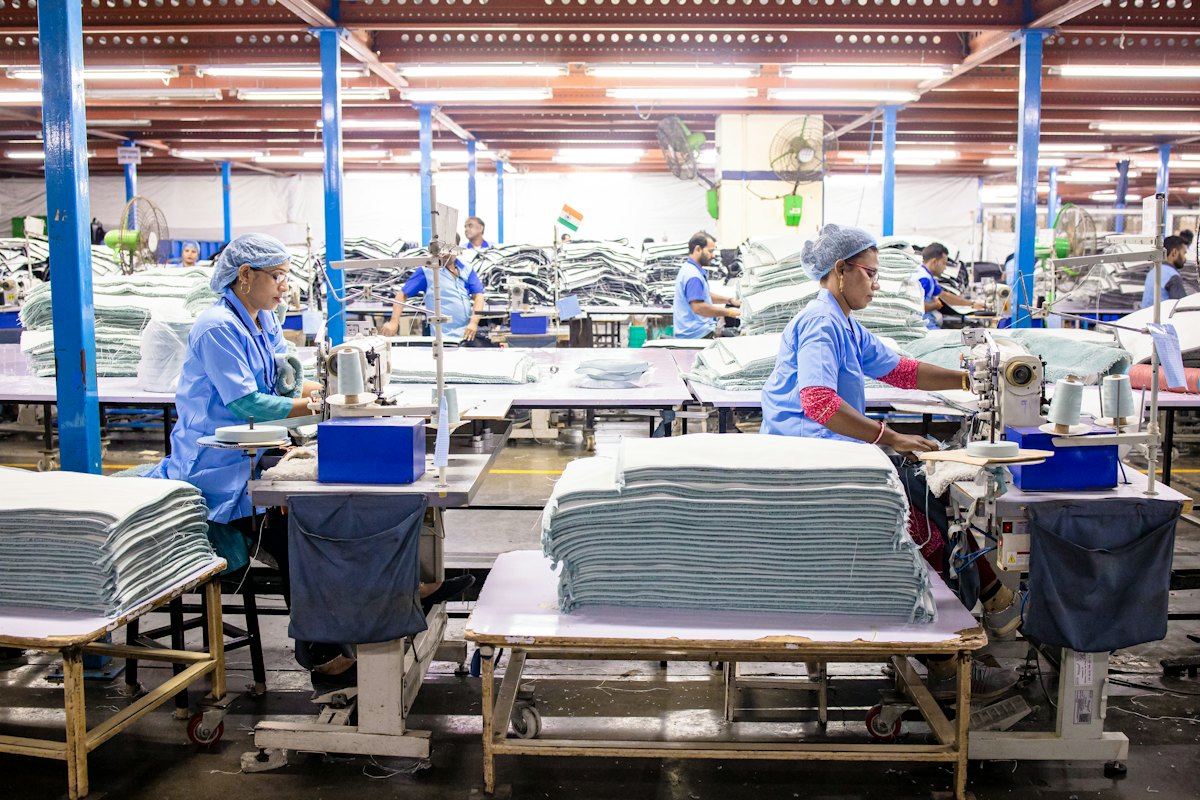
See what is being made, and where
Work centers represent your lines and machines. Production orders show what is planned, what is in progress and what is done, so the floor and the office look at the same plan.
- Work centers for lines and machines
- Production tracking by order
- Optional link to stock and accounting

Quality and maintenance alongside production
Record inspections and non-conformance against production in the Quality app, and keep an equipment register with maintenance work orders, so a breakdown has a history.
- Inspections and non-conformance
- Equipment register
- Maintenance work orders
Apps
The apps restaurants switch on
Start with manufacturing and add the rest as the business needs it. They all share the same products, customers and books.
Restaurant
Tables, open checks and kitchen tickets for dine-in, takeaway and delivery.
Point of sale
Sell at the counter with registers, receipts and cash sessions.
Inventory
Warehouses, stock levels, transfers, counts and reorder rules.
Purchasing
Suppliers, purchase orders, goods received and returns.
Accounting
Chart of accounts, receivables, payables, banking and journals.
Manufacturing
Bills of materials, work centers, production orders and MRP.

Quality
Inspections and non-conformance tracking.
Maintenance
Equipment register and maintenance work orders.
Every app shares one database, and each is switched on from Settings → Apps when you need it.
Reporting
Numbers restaurants keep an eye on
Reports are built from the documents your team already records, so every figure can be traced back to the sale, receipt or payment behind it.
- Table turn
- Average check
- Food cost
- Takeaway share
Pricing
Start free, pay as you grow
Prices shown in LKR. Your local currency is shown when you sign up.
Free
Free
Try Tryso, or a tiny online seller.
Starter
LKR 4,450per month
A single shop or online store.
14-day free trial
- Most popular
Growth
LKR 7,400per month
A growing, multi-branch business.
14-day free trial
Business
LKR 14,900per month
Manufacturers and multi-company groups.
14-day free trial
Enterprise
LKR 29,900per month
Large groups with custom needs.
30-day free trial
Comparison
Manufacturing: Tryso compared with other ERPs
Features, pricing and how each product is bought, taken from each vendor’s own website.
| Capability | TrysoTryso | Odoo S.A.Odoo | SAPSAP Business One | SAPSAP S/4HANA Cloud | MicrosoftDynamics 365 Business Central | MicrosoftDynamics 365 Finance |
|---|---|---|---|---|---|---|
| Pricing | ||||||
| Free plan | YesFree forever, no card | YesOne App Free (one app) | Not stated by the vendor | Not stated by the vendor | 30-day free trial | Not stated by the vendor |
| Prices published online | Yes | YesSet by region | NoQuoted by a partner | NoRequest a quote | Yes | Yes |
| Starting price | Free; paid plans per organization | US$11.20 per user / month | Quote | Quote | US$80 per user / month, paid yearly | US$210 per user / month, paid yearly |
| Buying and set-up | ||||||
| How you buy | Sign up online and set it up yourself | Online; partners for larger projects | Through SAP partners | Request a quote from SAP | Through Microsoft partners only | Not stated by the vendor |
| Deployment | Cloud, plus an offline Windows POS app | Odoo Online, Odoo.sh or on-premise | Cloud or on-premise | Public cloud | Cloud | Not stated by the vendor |
| Apps | ||||||
| Accounting and finance | Yes | Yes | Yes | Yes | Yes | Yes |
| Sales and purchasing | Yes | Yes | Yes | YesSales processes | Yes | Not stated by the vendor |
| Inventory and warehouse | YesDown to the bin | Yes | YesInventory | YesSupply chain | YesWith warehouse management | Not stated by the vendor |
| Manufacturing | YesBOMs, work centers and production orders | Yes | Not stated by the vendor | Not stated by the vendor | YesBOMs and production orders | Not stated by the vendor |
| CRM | Yes | Yes | YesCustomer relationships | Not stated by the vendor | Through Dynamics 365 Sales | Not stated by the vendor |
| HR and payroll | YesHR and payroll apps | YesEmployees and Payroll | Not stated by the vendor | YesHR processes | Works alongside a payroll system | Not stated by the vendor |
| Point of sale | YesWeb and offline Windows app | Yes | Not stated by the vendor | Not stated by the vendor | Through connected POS | Not stated by the vendor |
| Online store | YesBuilt-in storefront on your domain | YesWebsite and eCommerce | Not stated by the vendor | Not stated by the vendor | Through connectors such as Shopify | Not stated by the vendor |
Not stated on the vendor page we checked. It does not mean the product lacks it; ask the vendor. Checked 2026-10-23.
Sources: Odoo pricing, Odoo apps, SAP Business One, SAP S/4HANA Cloud, Business Central, Business Central pricing, Dynamics 365 Finance pricing.
Odoo is a trademark of Odoo S.A. Tryso is not affiliated with or endorsed by Odoo S.A. Odoo sets prices by the visitor's region and billing period; check your own quote on odoo.com.
SAP, SAP Business One and SAP S/4HANA are trademarks or registered trademarks of SAP SE. Tryso is not affiliated with or endorsed by SAP. This comparison uses information published on sap.com; check current details with SAP or an SAP partner.
Microsoft and Dynamics 365 are trademarks of the Microsoft group of companies. Tryso is not affiliated with or endorsed by Microsoft. Prices are the list prices published on microsoft.com, which notes that actual prices vary by country and currency.
Frequently asked questions
Does Tryso support tables and kitchen tickets?
Yes. The Restaurant app adds dining areas, tables, open checks and kitchen tickets, with payment on the point of sale.
Can I handle takeaway and delivery too?
Yes. The Restaurant app covers dine-in, takeaway and delivery orders.
What is manufacturing software?
Manufacturing software plans and records production: what materials a product needs (the bill of materials), where it is made (work centers) and what is being produced (production orders). Tryso adds quality and maintenance alongside.
Does Tryso have bills of materials?
Yes. You define materials and BOMs for each product and use them on production orders.
Do I have to use inventory and accounting with it?
No. Manufacturing can run without mandatory stock or ledger postings, and you connect inventory and accounting when you are ready.
Can I record quality checks?
Yes. The Quality app records inspections and non-conformance against your production.
Is it suitable for small factories?
Yes. You install only the apps you need and can start on the free plan.
Manufacturing
Manufacturing for other industries
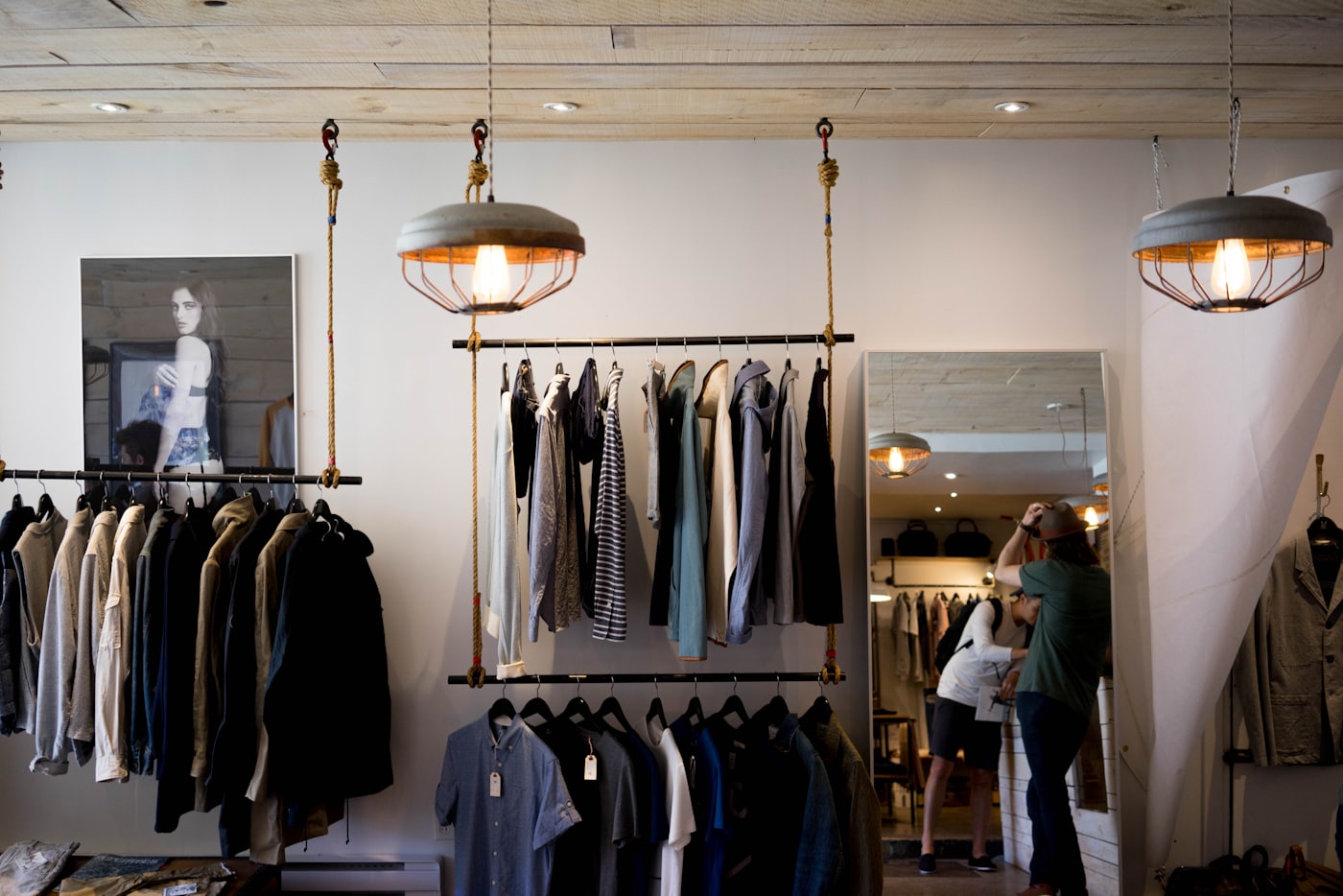 Retail storeShops selling over the counter, often with more than one branch and a website on the side.
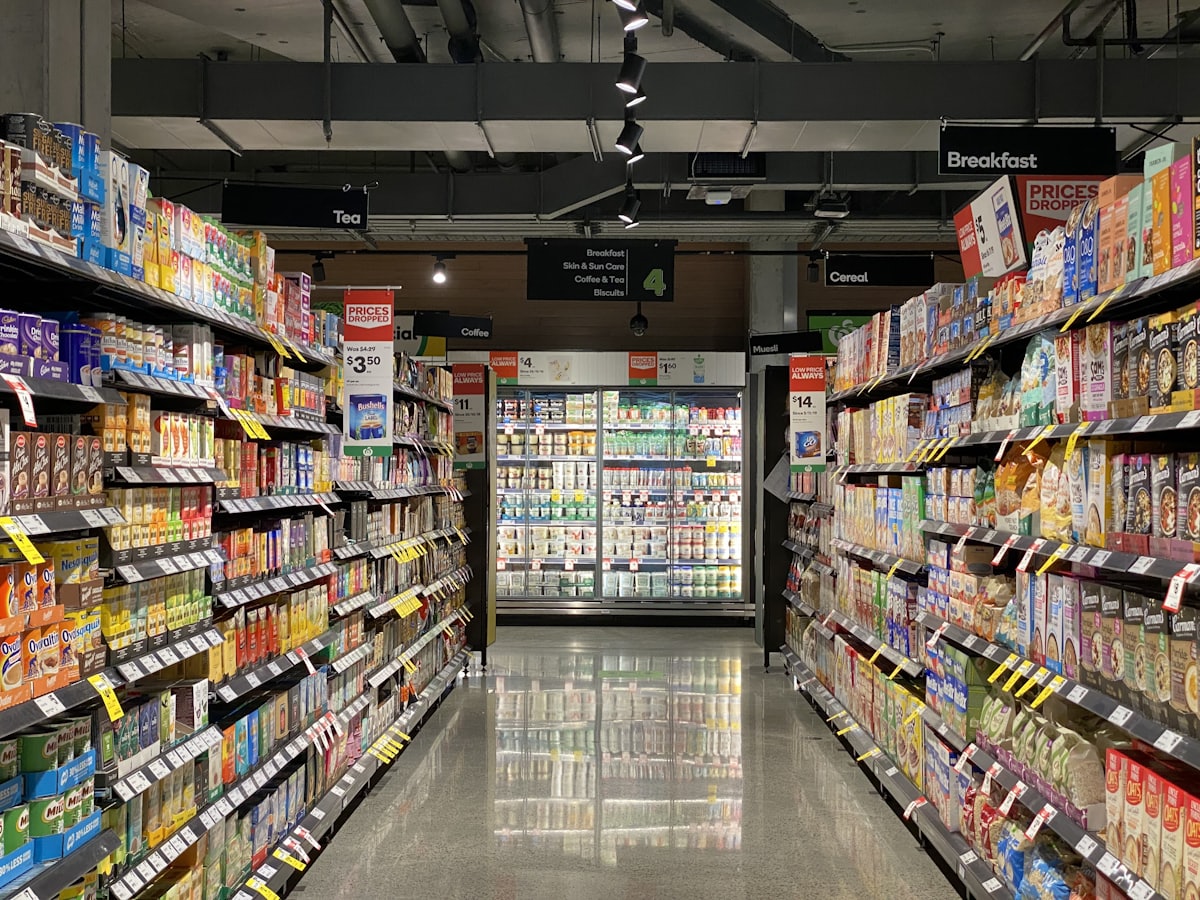 SupermarketGrocery and convenience stores with thousands of fast-moving lines, loose goods and short shelf lives.
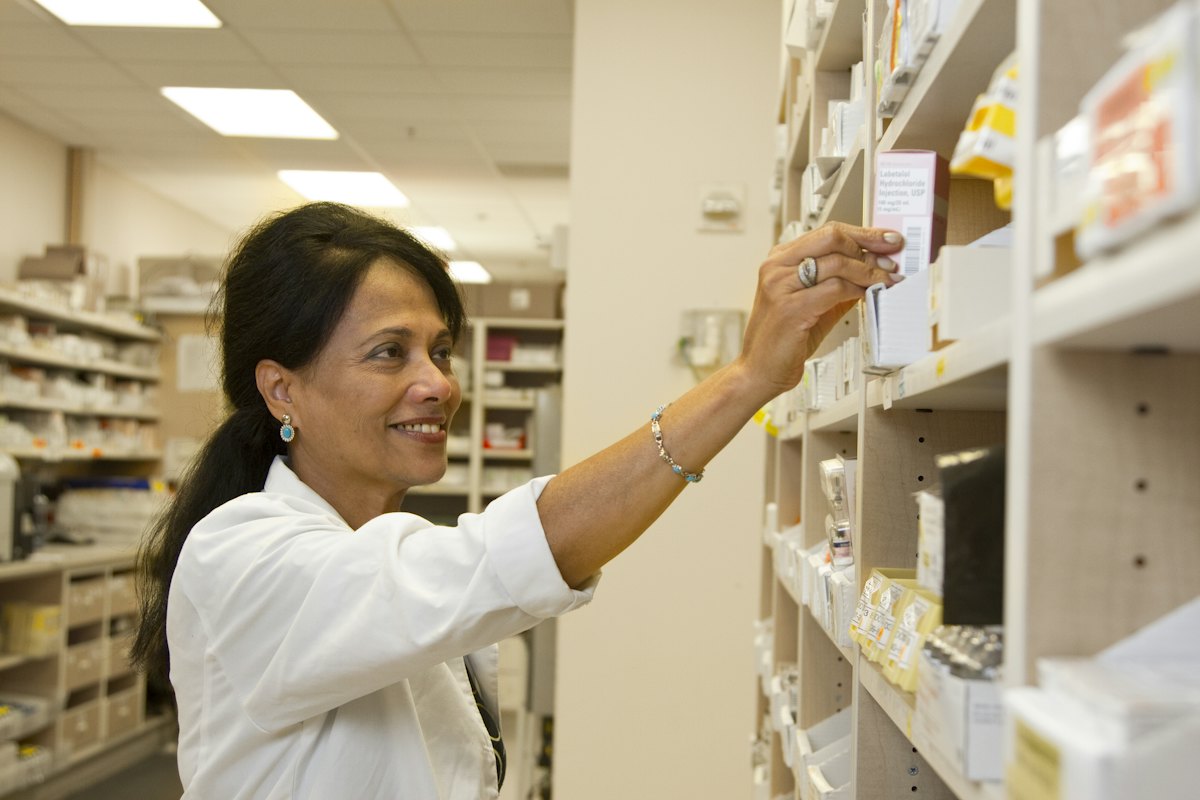 PharmacyPharmacies and chemists where batch numbers and expiry dates are not optional.
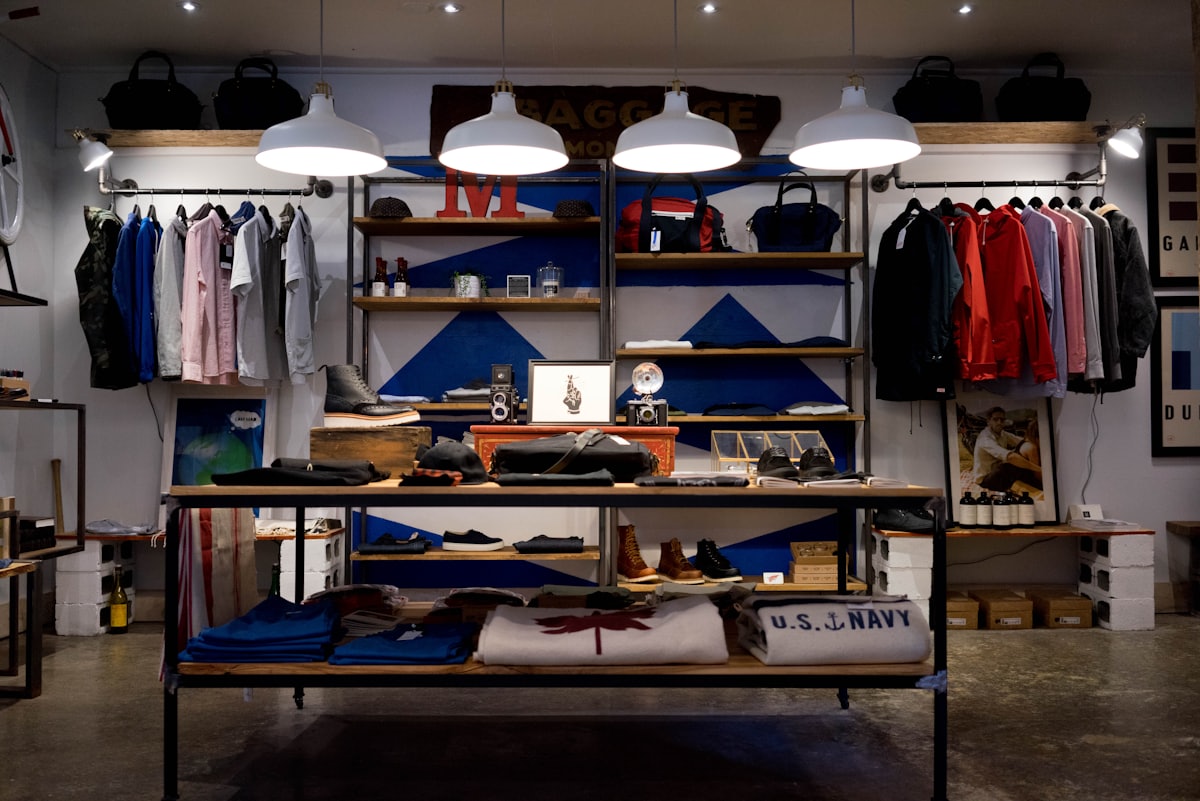 Fashion storeClothing and footwear shops where every style comes in many sizes and colours.
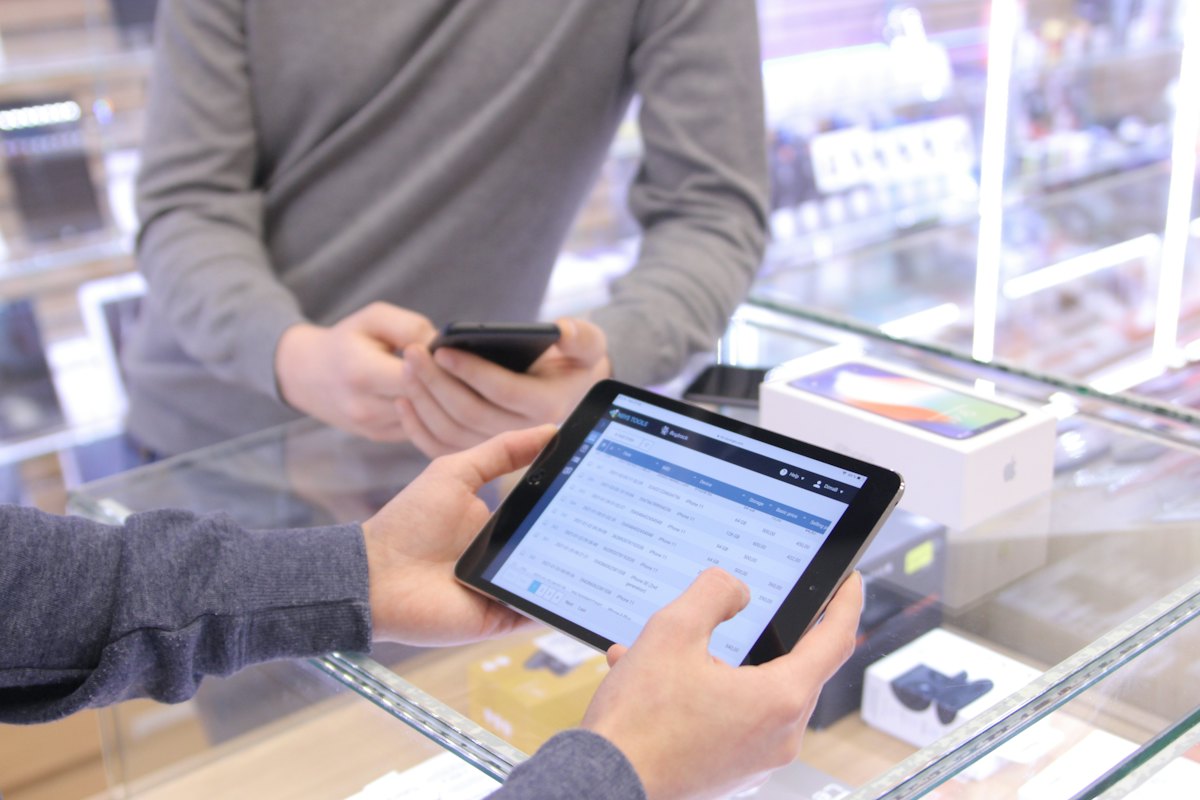 Electronics storePhone, computer and appliance shops with high-value items, supplier credit and business buyers.
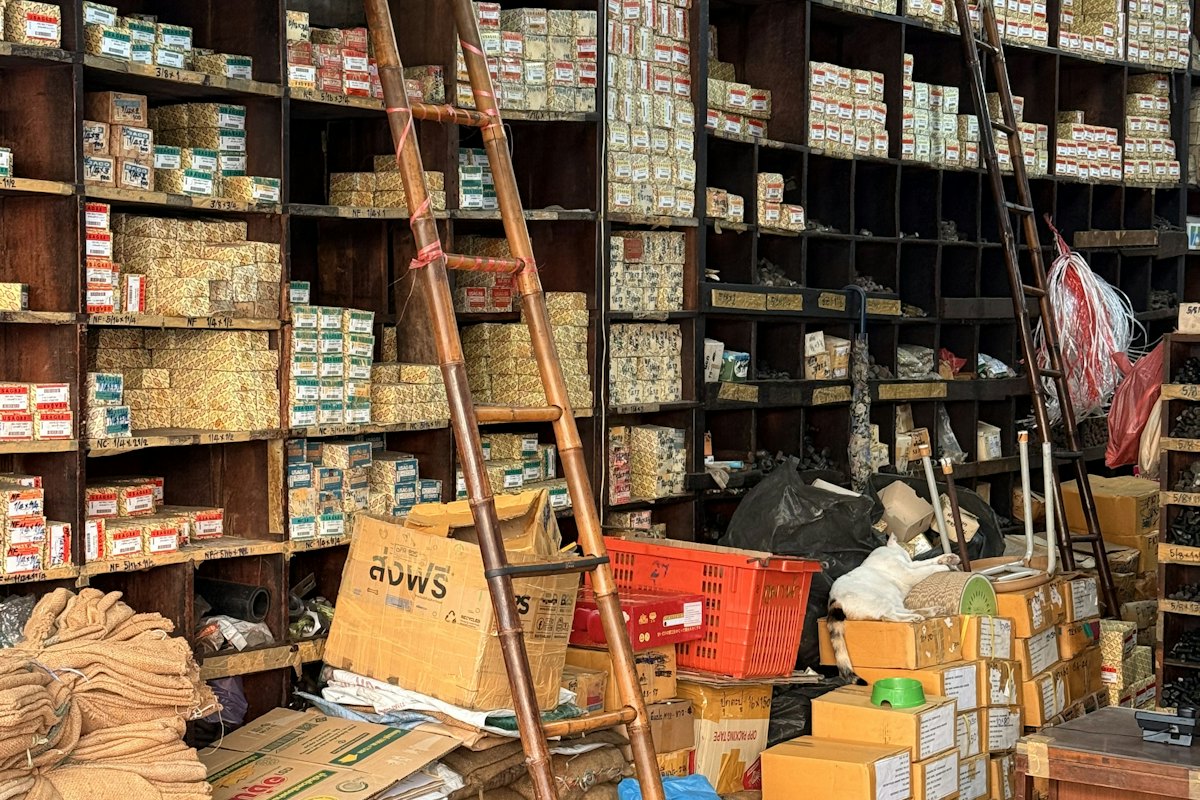 Hardware storeHardware, building material and tool shops selling by the piece, the metre and the bag.
Restaurant
More software for restaurants
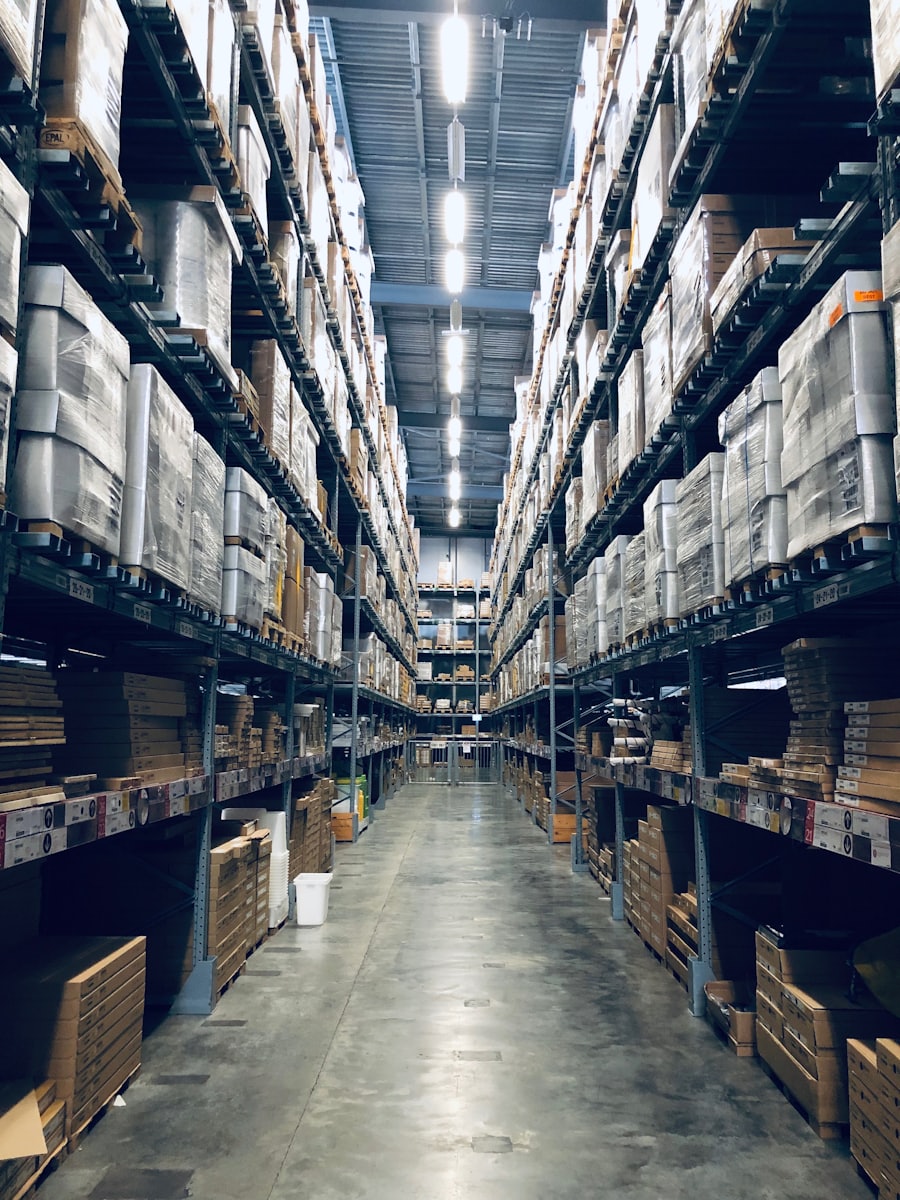 Inventory managementKnow what is on every shelf, in every branch, right now
 Point of saleA till that keeps billing when the internet does not
 AccountingBooks that are written by the work, not typed in afterwards
 HR and payrollPeople, attendance, leave and payroll in the system that runs the business
 CRMEvery lead and customer conversation, next to the orders they lead to
 Warehouse managementStock located to the bin, not just to the building
Run your restaurant on Tryso
Create an organization on the free plan, load some of your own products and see how it fits before you pay anything.
- Free plan, forever
- No card required
- Set up in about a minute