

Point of sale
A till that keeps billing when the internet does not
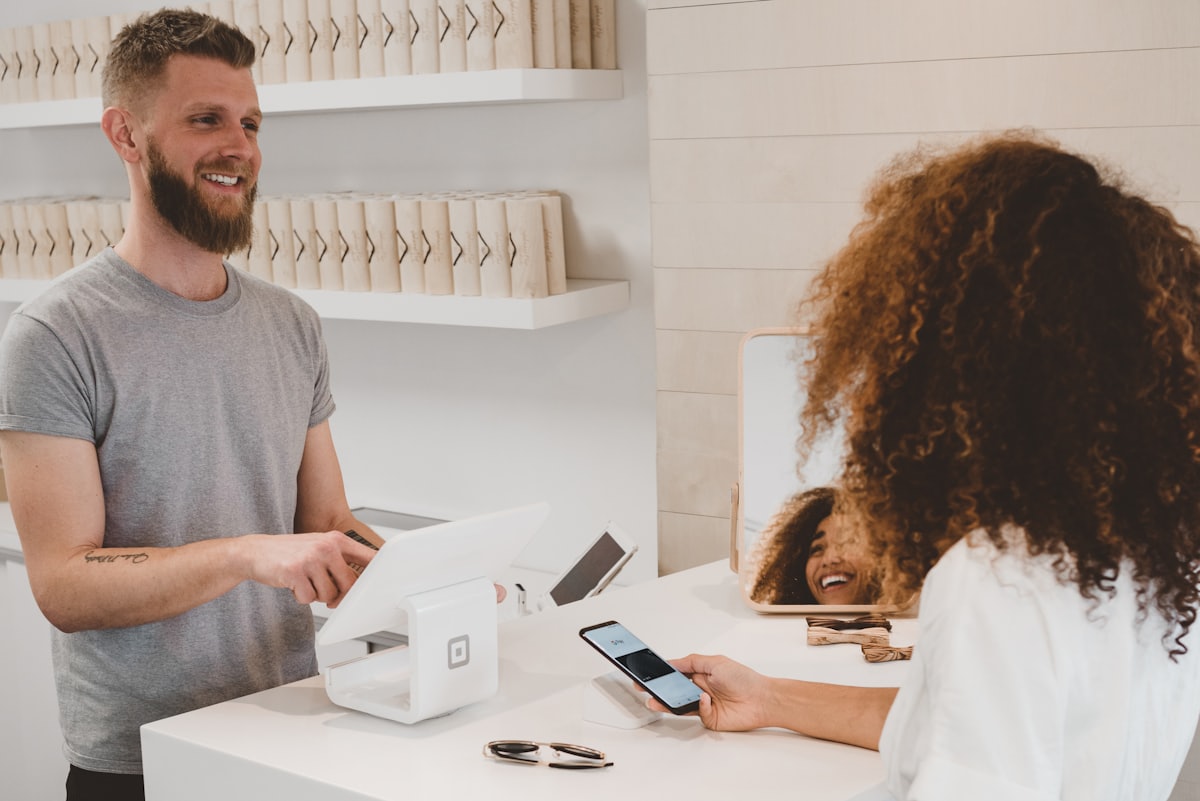
Tryso POS is a point of sale system for retail counters that runs in the browser and as a Windows desktop app that keeps billing offline. It handles barcode billing, cash sessions with float and close-out, held bills, returns against the original sale and receipt printing, and every sale moves the same stock as your online shop.
A counter needs to be fast and it cannot stop when the connection drops. Tryso POS bills from barcodes or keyboard search, keeps a proper cash session from opening float to close-out, and on the Windows app carries on offline and syncs when the line is back.
- Free plan, forever
- No card required
- Set up in about a minute
Last updated
3 apps, one system
Switch on only what you use


Everything included
- Barcode-first billing with keyboard search
- Cash sessions with opening float and close-out
- Cash in and cash out recorded against the session
- Held bills for customers who step away
- Returns and refunds against the original sale
- Windows desktop app that works offline

Bill from a barcode, not from memory
Scan a barcode or type a few letters and the product is on the bill. Weighed and loose goods use their own units, held bills keep the queue moving when a customer steps away, and returns go back against the original sale.
- Barcode-first billing with keyboard search
- Held bills
- Returns and refunds against the original sale
Cash that adds up at closing time
Every register opens with a float, records cash in and cash out during the day and closes with a count. Differences show up per till and per cashier, not at the end of the month.
- Opening float and close-out per session
- Cash in and cash out recorded
- Session summaries per register and branch

Keeps billing when the internet drops
The Tryso One desktop app for Windows keeps selling, printing receipts and taking returns while offline, then syncs every sale to stock and the books when the connection is back. The same products and prices are used online and at the counter.
- Offline billing on Windows
- Automatic sync when back online
- One stock list for the counter and the website
By industry
Point of sale for your kind of business
 Retail storeShops selling over the counter, often with more than one branch and a website on the side.
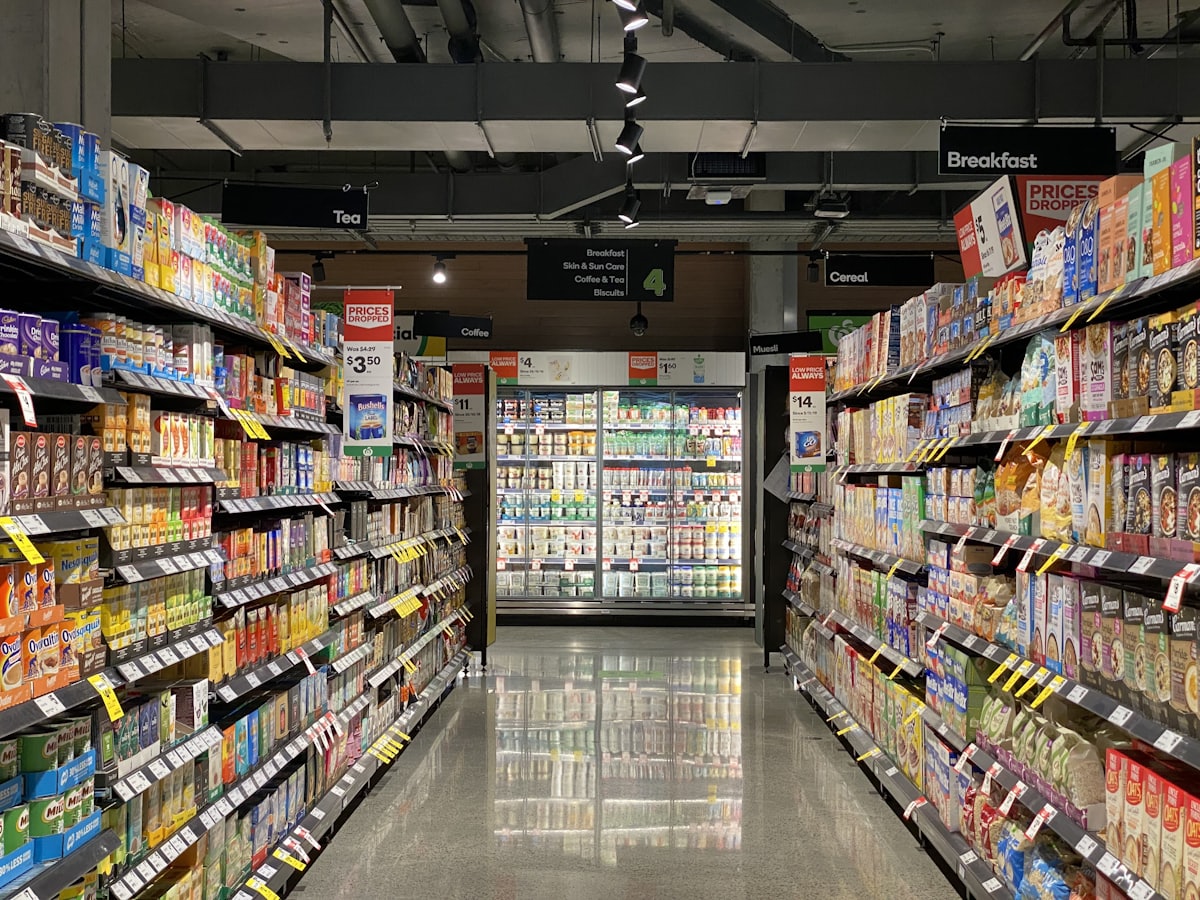 SupermarketGrocery and convenience stores with thousands of fast-moving lines, loose goods and short shelf lives.
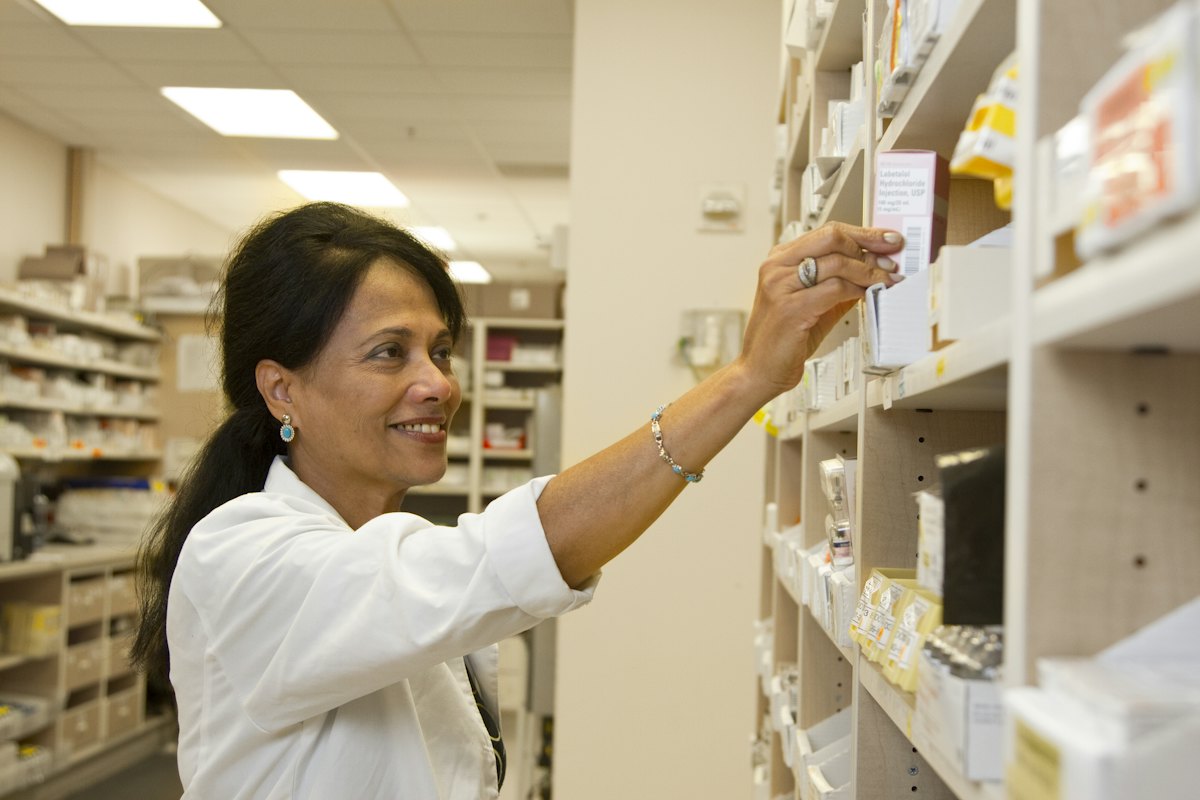 PharmacyPharmacies and chemists where batch numbers and expiry dates are not optional.
 Fashion storeClothing and footwear shops where every style comes in many sizes and colours.
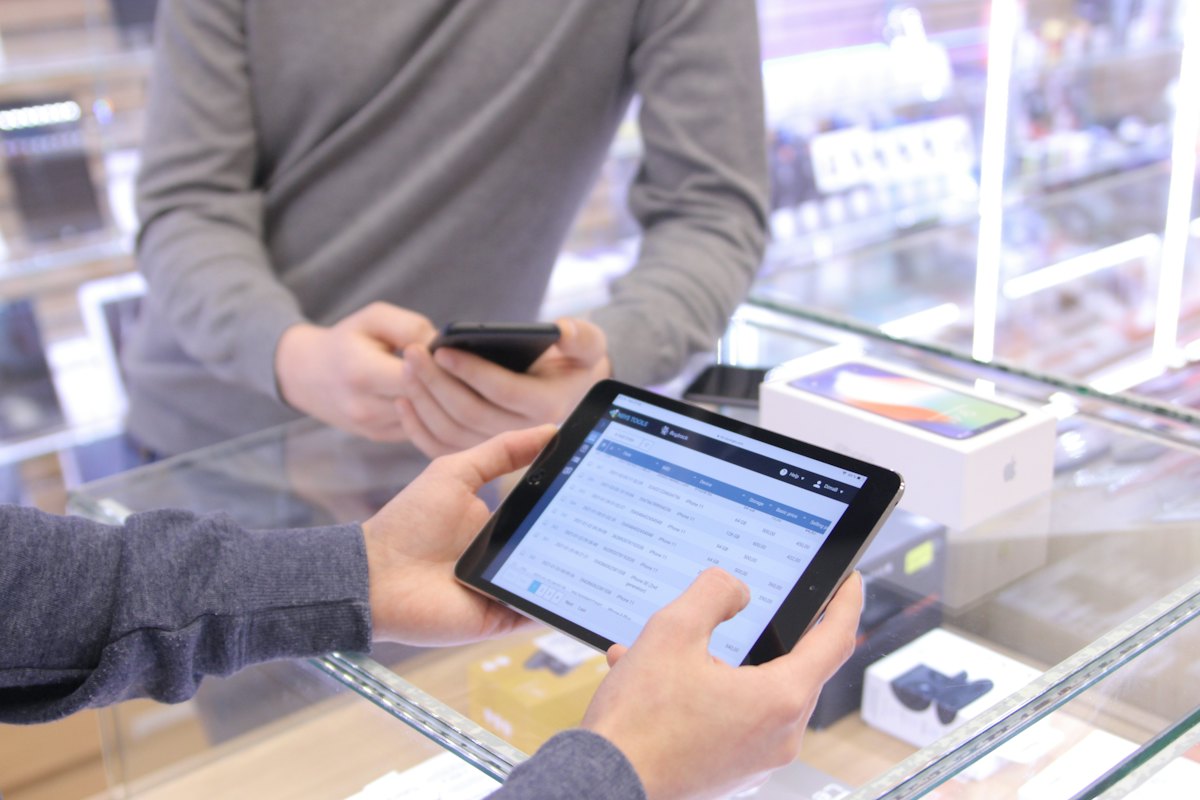 Electronics storePhone, computer and appliance shops with high-value items, supplier credit and business buyers.
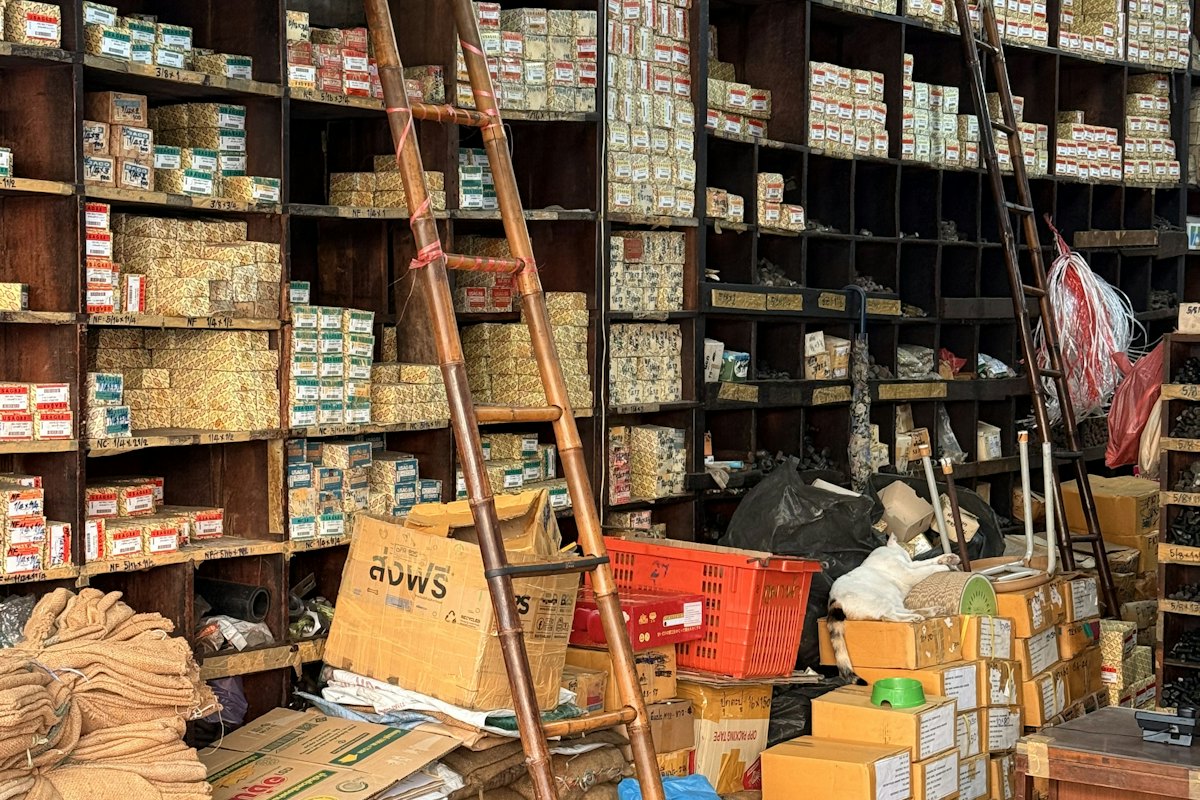 Hardware storeHardware, building material and tool shops selling by the piece, the metre and the bag.
 Auto parts storeVehicle spare parts dealers and workshops with large catalogues and many look-alike items.
 RestaurantRestaurants and cafés running tables, open checks, takeaway and a kitchen.
 BakeryBakeries and pastry shops that make what they sell every morning.
 Wholesale distributorDistributors and traders buying in bulk and selling to shops and businesses on credit.
 Online sellerBusinesses selling mainly through their own website, with deliveries by courier.
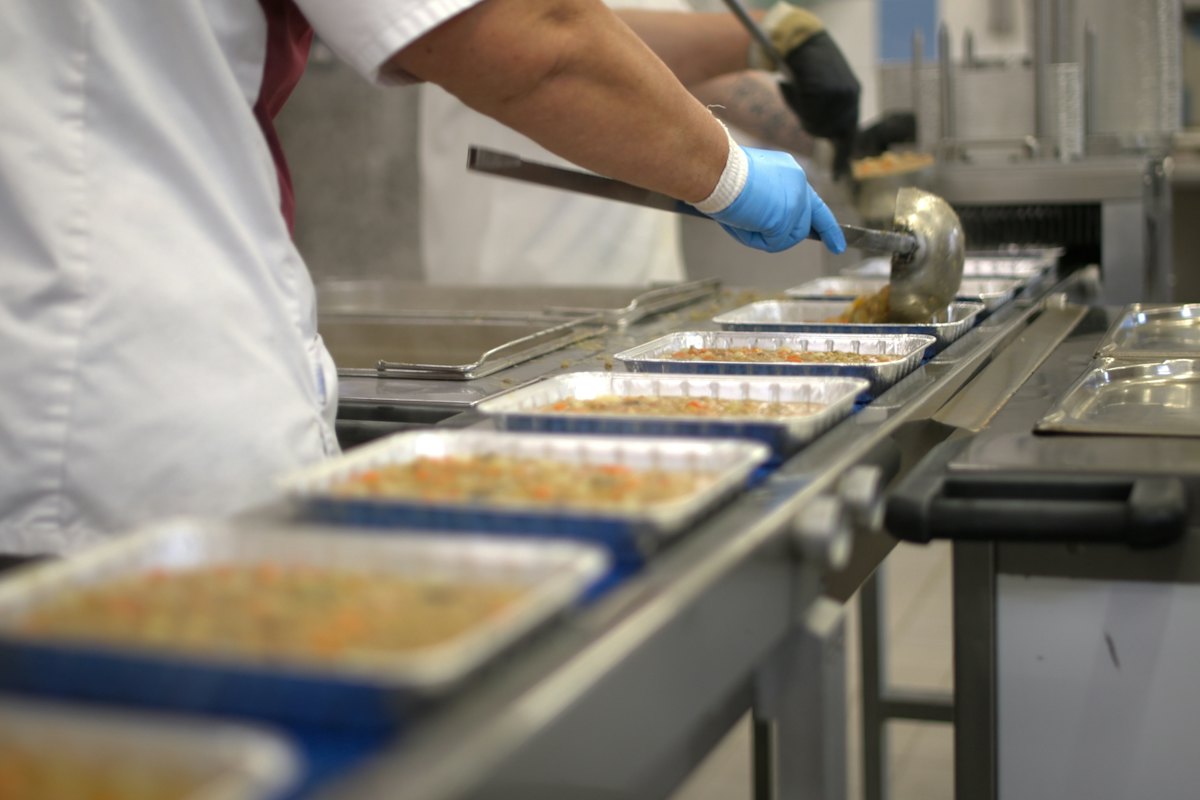 Food and beverage manufacturerProducers of packaged food and drinks who need recipes, batches and quality checks.
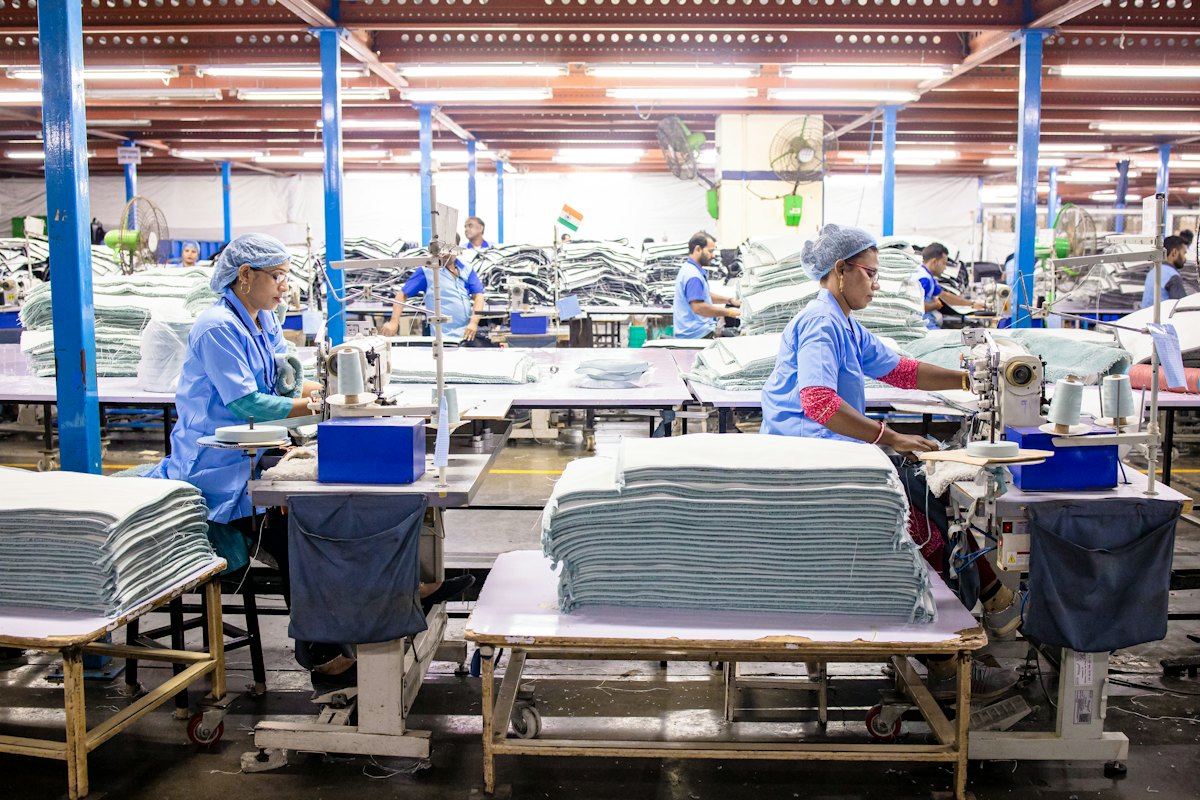 Garment manufacturerApparel factories cutting, sewing and finishing orders for buyers.
 Cosmetics brandBeauty and personal care brands selling online, in their own stores and to resellers.
 Professional services firmAgencies, consultancies and service companies that bill for projects and time.
Apps
The apps behind point of sale
Each one is an app you switch on when you need it, all working on the same data.
Point of sale
Sell at the counter with registers, receipts and cash sessions.
Products
Products, variants, categories, brands and units in one place.
Inventory
Warehouses, stock levels, transfers, counts and reorder rules.
Every app shares one database, and each is switched on from Settings → Apps when you need it.
Explore the features
- Counter salesBarcode billing, cash sessions, held bills, returns and receipt printing, on the same stock as everything else.
- InventoryStock held per branch and warehouse, with batches, transfers, adjustments and a full movement history.
- Customers and CRMCustomer records, saved addresses, groups and wish lists that you can price and target against.
- BranchesStock, staff and reporting all stay branch-aware as you open more shops.
- ReportingBranch, channel and stock reporting drawn from the same records the rest of the system writes.
Pricing
Start free, pay as you grow
Prices shown in LKR. Your local currency is shown when you sign up.
Free
Free
Try Tryso, or a tiny online seller.
Starter
LKR 4,450per month
A single shop or online store.
14-day free trial
- Most popular
Growth
LKR 7,400per month
A growing, multi-branch business.
14-day free trial
Business
LKR 14,900per month
Manufacturers and multi-company groups.
14-day free trial
Enterprise
LKR 29,900per month
Large groups with custom needs.
30-day free trial
Frequently asked questions
What is a POS system?
A point of sale (POS) system is the software at your counter that bills customers, takes payment, prints receipts and records each sale. Tryso POS also updates stock and your books from the same sale.
Does Tryso POS work without internet?
Yes. The Tryso One Windows app keeps billing while offline and syncs sales back when the connection returns. The browser till needs a connection.
Can I run several tills and branches?
Yes. Each register has its own cash sessions, and branches keep their own stock, so you can see sales and cash per till, per branch and for the whole business.
Does the POS share stock with my online store?
Yes. The till and the Tryso storefront sell from the same stock, so an item sold at the counter is no longer offered online.
Is Tryso POS free to start?
You can start on the free plan with no card required and move to a paid plan when you need more registers, branches or users.


















Try point of sale on your own data
Create an organization on the free plan, load some of your data and see how it fits before you pay anything.
- Free plan, forever
- No card required
- Set up in about a minute